|
<< Click to Display Table of Contents >> Employee Access – User Passwords |
  
|
|
<< Click to Display Table of Contents >> Employee Access – User Passwords |
|
Alternatively administrators can set access to require employee created passwords by ticking the enable password authentication option.
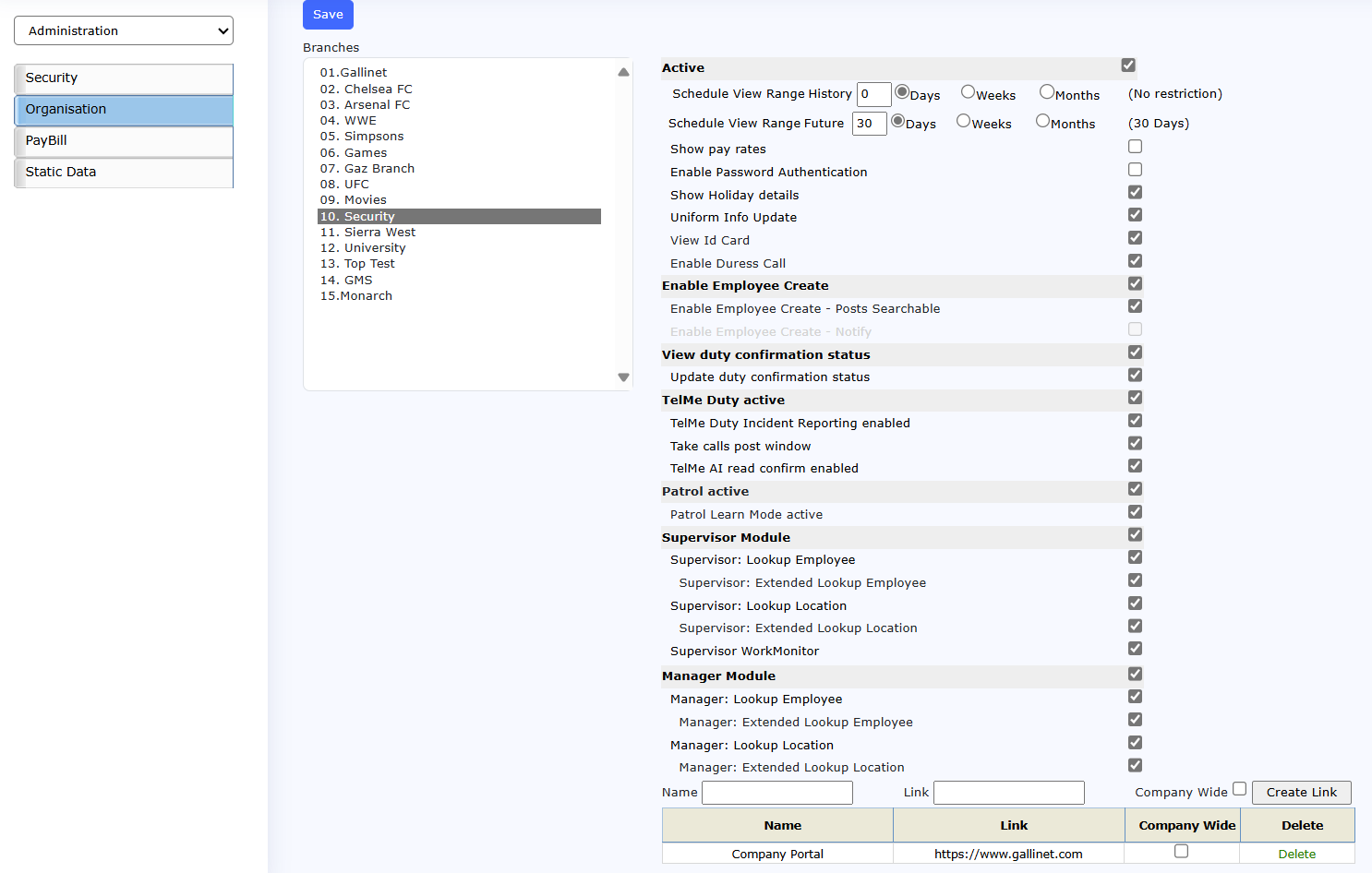 TelMe Branch Options |
When set the next time the employee logs he/she will be presented with a create password dialogue.
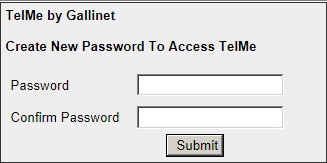 create password dialogue |
Once the password is set, the next time they logon once they have completed the standard logon they will be prompted for their password.
|
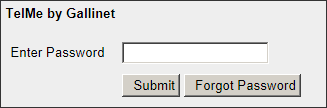 Password Prompt |
The system allows for up to 5 failed logon attempts and will then disable the account.
|
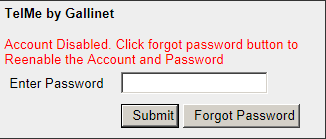 Account Disabled |
If this happens they can select the “forgot password” button which will send a reset link to the employees email address if present. If no e-mail address is defined in the employee’s record they will be prompted to ring their office for assistance.
|
 Password Recovery |
Individual employee accounts can be disabled / enabled on the employee details screen.
|
 Disable Accounts |
In the event of an employee account being disabled for any reason and then enabled again, any password that was previously set will be deleted and the employee will be prompted to create a new one where relevant. These passwords are not visible or amendable anywhere in the application. Should the employee forget it, they will need to contact their office and the administrator can disable then enable the employee account which will delete the current password, the employee will then be asked to select a new when the next time they log on.
Access to the TelMe log on menu is via a URL provided by Gallinet, usually in the form of: http://www.gallinetph0X.com/company-name/EPM/logon.aspx. (Example Only)
Customers are advised to place a direct link to the provided address on their own company web site for easy access for their employees.
The app is available as a free on the Google Play store, search “Telme” or “Gallinet”.
Please note that Gallinet staff will not provide support regarding the TelMe service to employees directly, all inquires received will be directed to contact their own line managers.