|
<< Click to Display Table of Contents >> Confirming Duties |
  
|
|
<< Click to Display Table of Contents >> Confirming Duties |
|
When your employer creates a duty or allocates you to a work duty they can mark the duty as either confirmed or unconfirmed.
The status of each duty is displayed at the top of the duty entry.
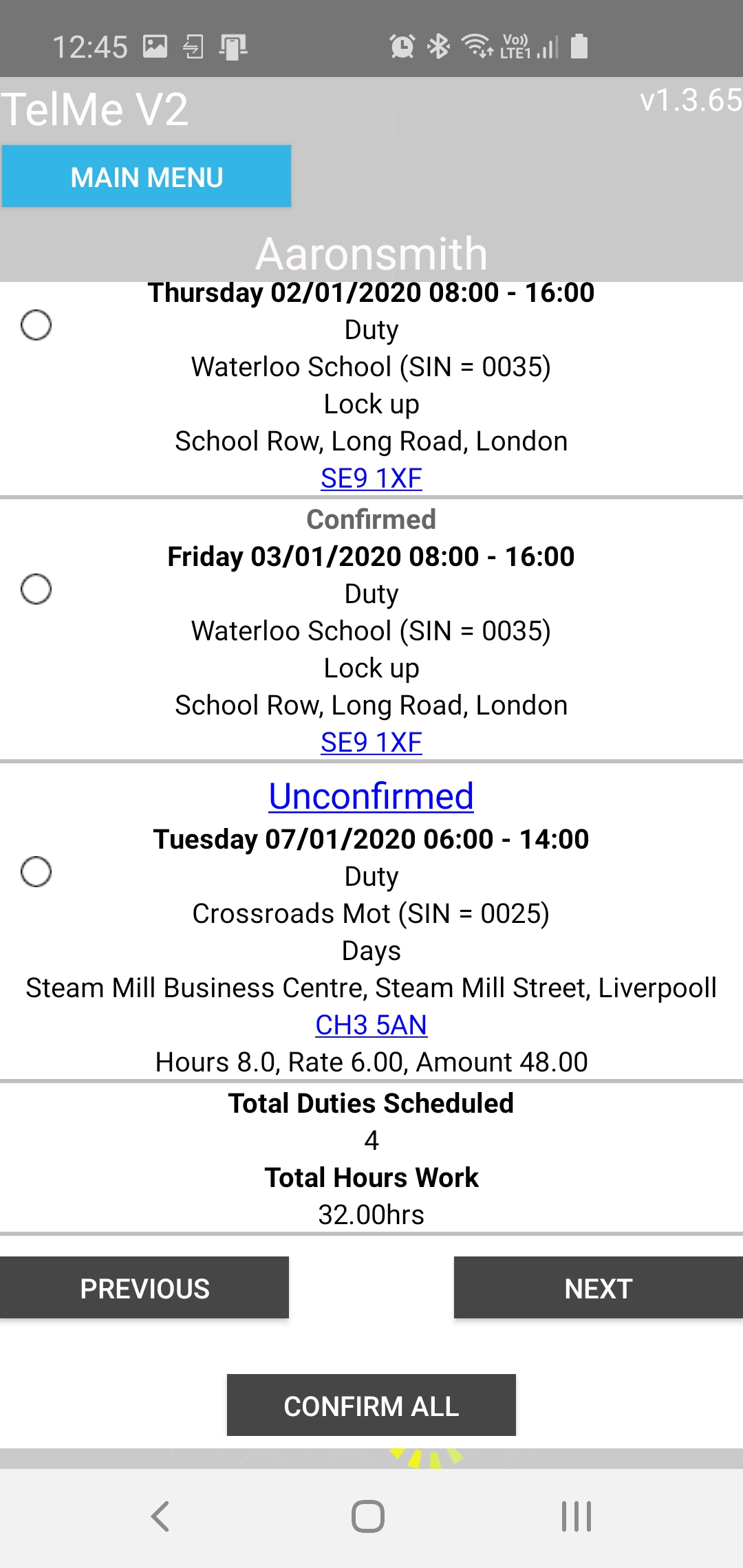 Confirmed and Unconfirmed Duties |
Duties that are unconfirmed are highlighted in blue with a clickable link allowing you to mark the duty as confirmed.
All unconfirmed duties can be confirmed by pressing the "confirm all" button and clicking confirm.
You can select an individual duty by clicking the blue unconfirmed text and ticking which duties you wish to mark as confirmed and clicking "save changes".
When you confirm a duty this change is recorded within PeopleHours for your employer to see.
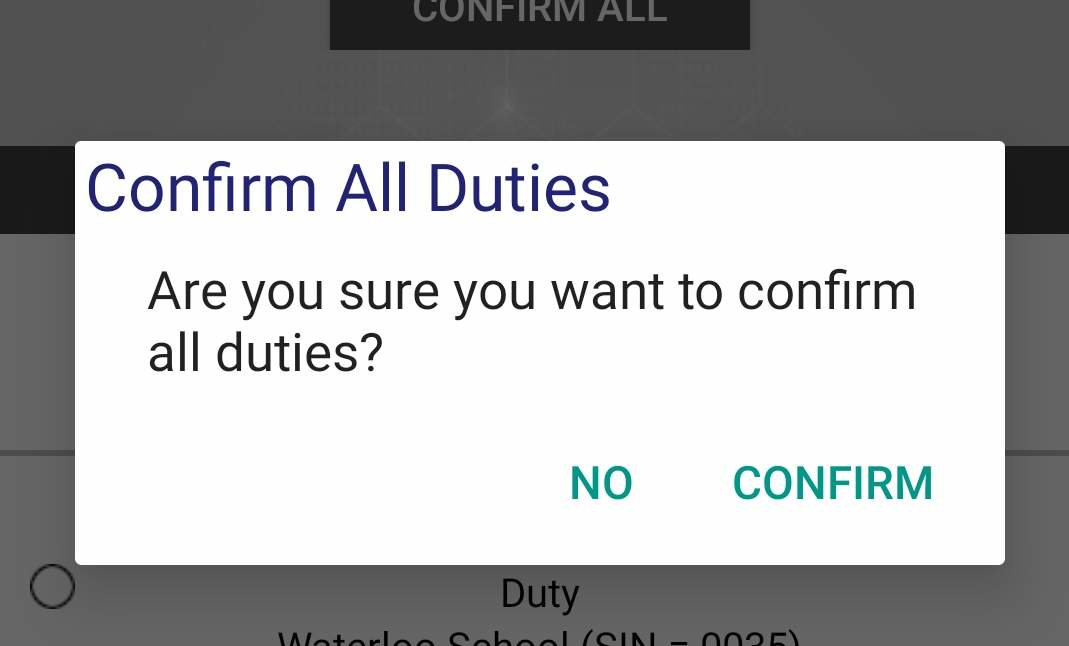 Confirm All |
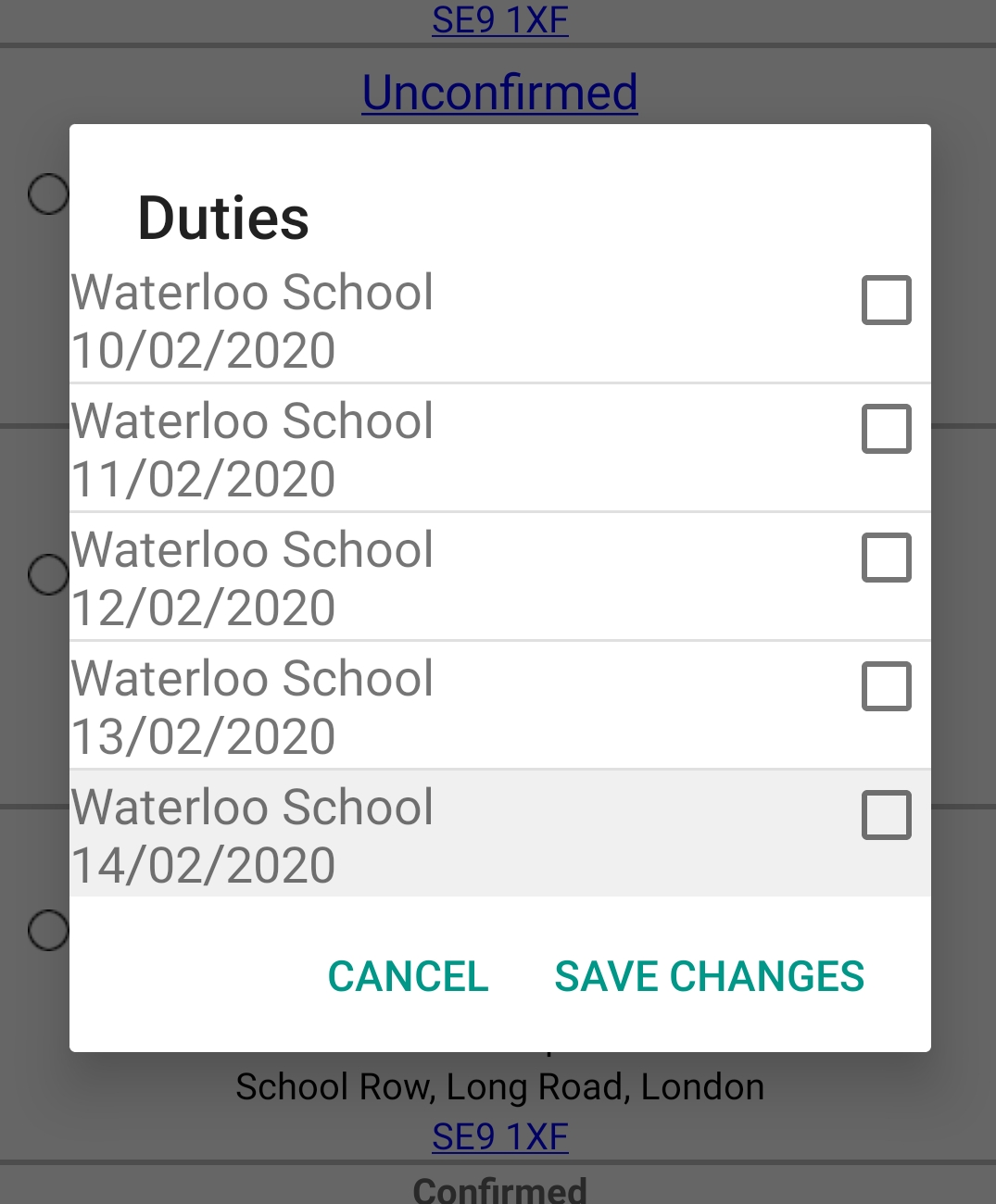 Confirm Indiviual Duties |