|
<< Click to Display Table of Contents >> Main Options |
  
|
|
<< Click to Display Table of Contents >> Main Options |
|
Once logged in successfully the main screen will be displayed with any pending messages being listed in the lower window. From this screen the following menu options are available:
Used by employees - view schedule, holiday entitlement, messages. |
|
Used by employees to view next or current duty details, location address, duty times, check call requirements, view assignment instructions etc. |
|
Used to display a live ID card within the app. |
|
This section will contain controls and functions for on-site staff to record their location patrol activities. |
|
Allows employees to view duties available to be worked. |
|
This section contains supervisor controls and functions. |
|
This section contains manager controls and functions. |
|
This section contains options that control the apps behavior. |
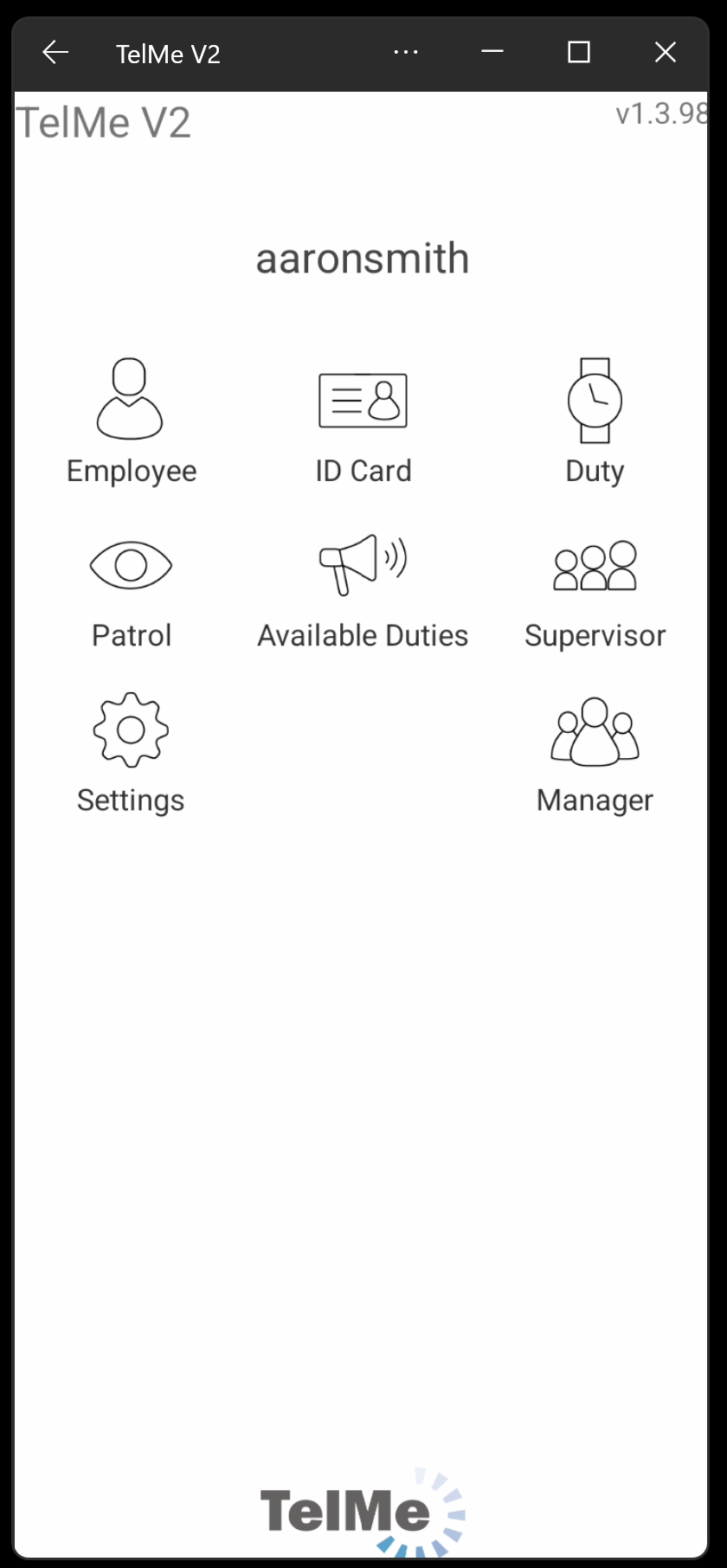 Main Options Menu |