|
<< Click to Display Table of Contents >> Employee Lookup (Manager) |
  
|
|
<< Click to Display Table of Contents >> Employee Lookup (Manager) |
|
On pressing the Employee Lookup option the screen will display a blank page.
An individual employee record can be found by entering a search.
As characters are entered the list will adjust to include employees that would match the search.
On selecting a record the employees personal details as recorded in PeopleHours are presented.
Once an employee record is displayed: -
Pressing the "Edit Details" button will allow the displayed fields to be changed.
Pressing the "Save Changes" button will save the new details into PeopleHours
Pressing the "Add Photo" button will allow you to take a new ID photo or select a photo already in the devices gallery.
Pressing the "Change Photo" button will allow you to change an existing ID photo or select a photo already in the devices gallery.
Note:
Pressing the employee photo will enlarge the image.
Pressing active fields such as telephone numbers, email addresses and post codes will open your devices default applications such as mapping or email.
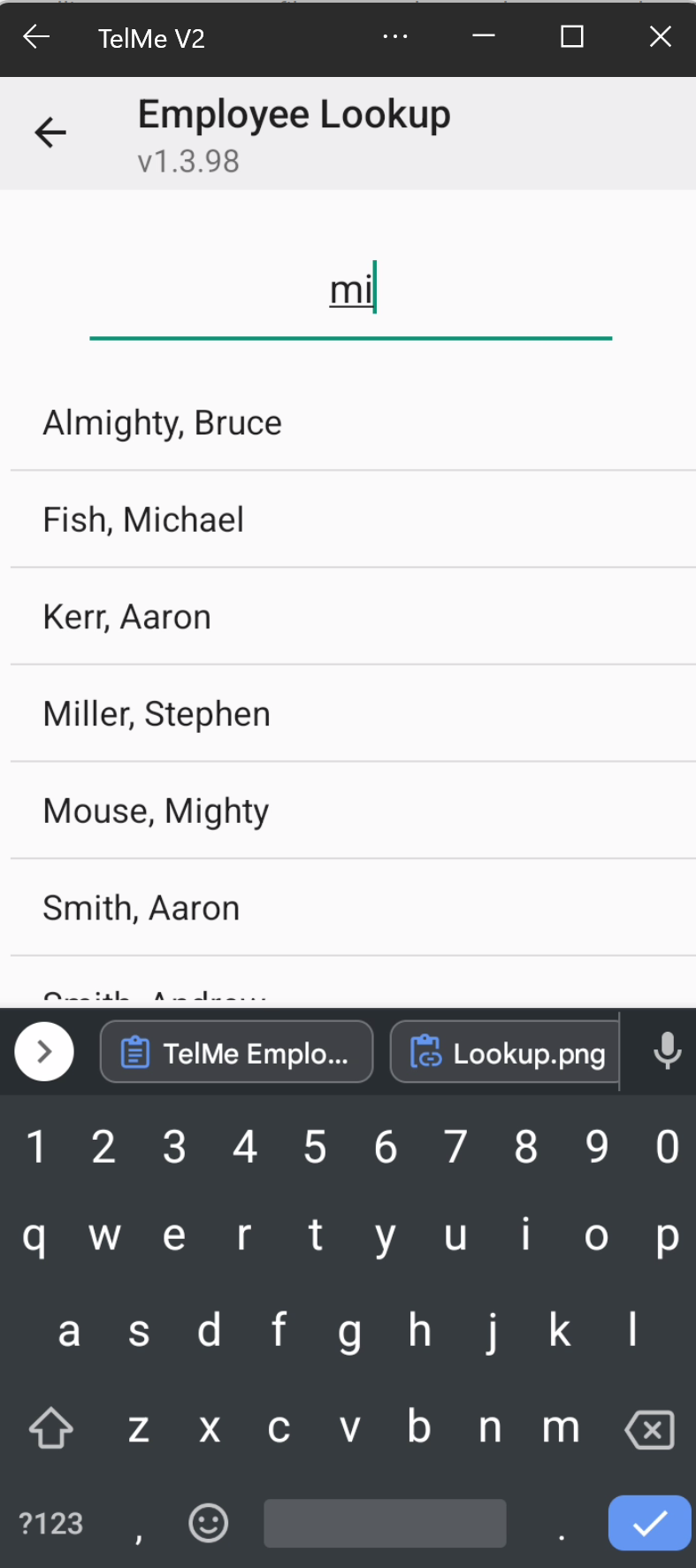 Employee List |
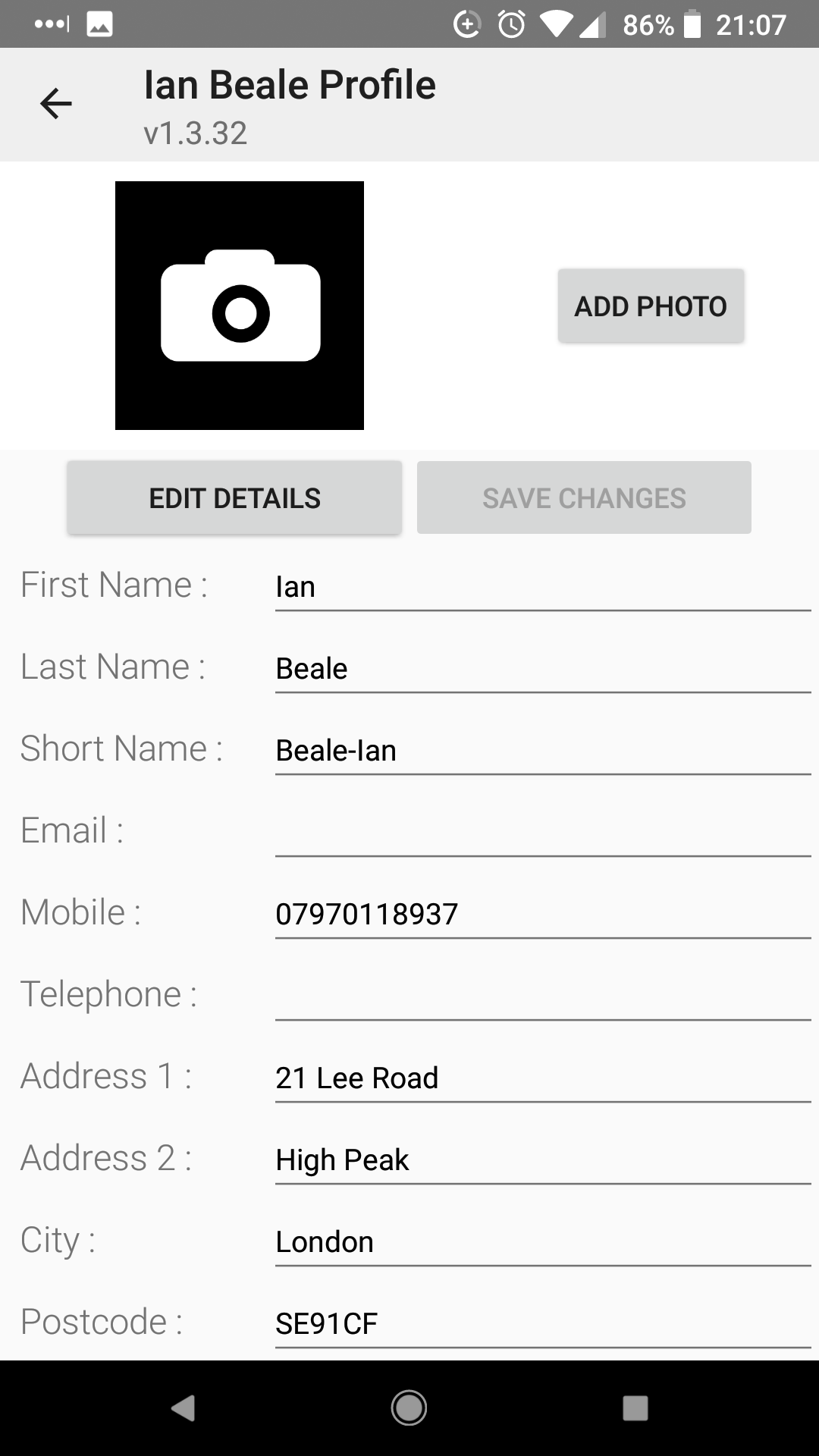 Employee Record |
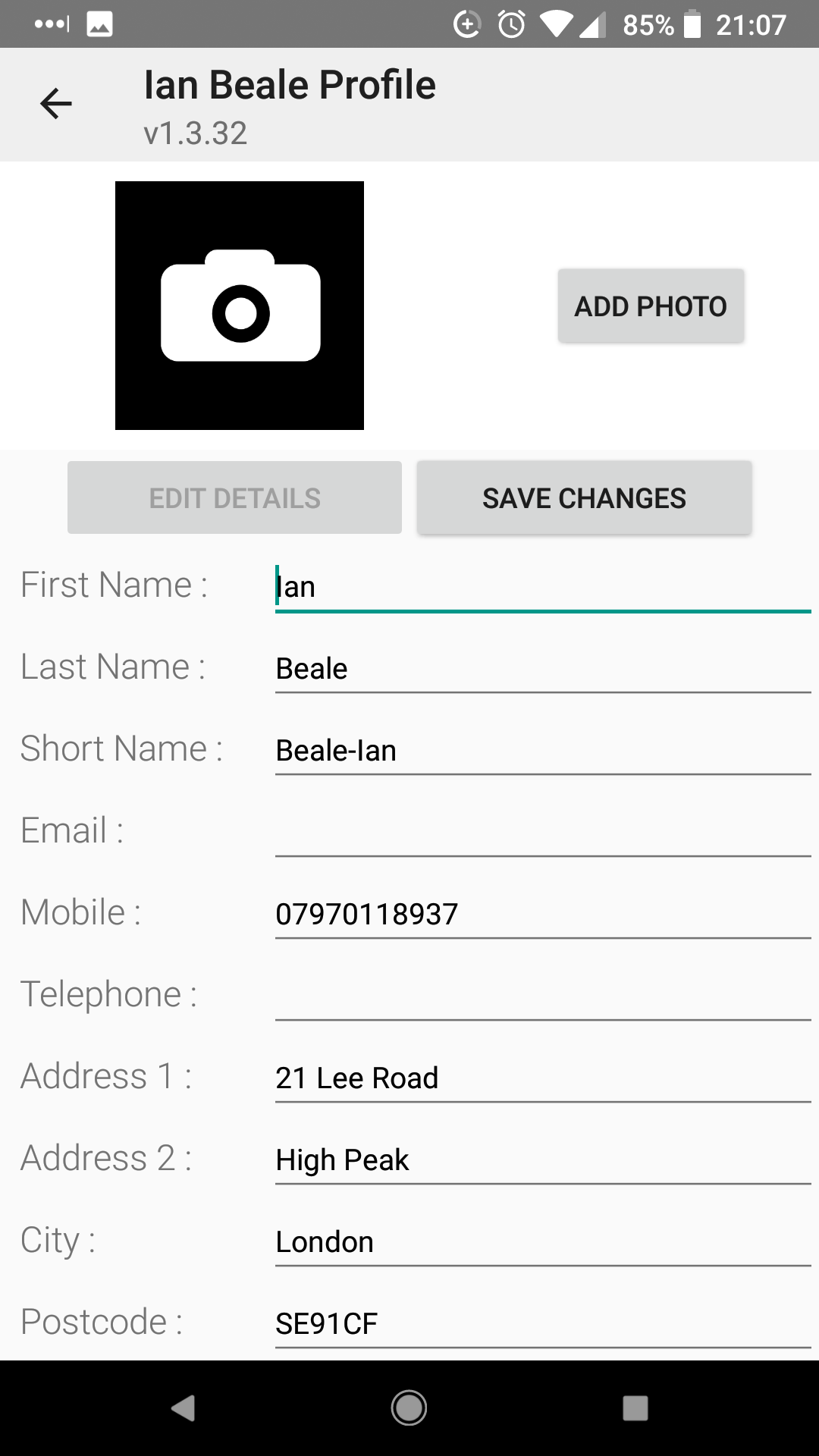 Save Changes |
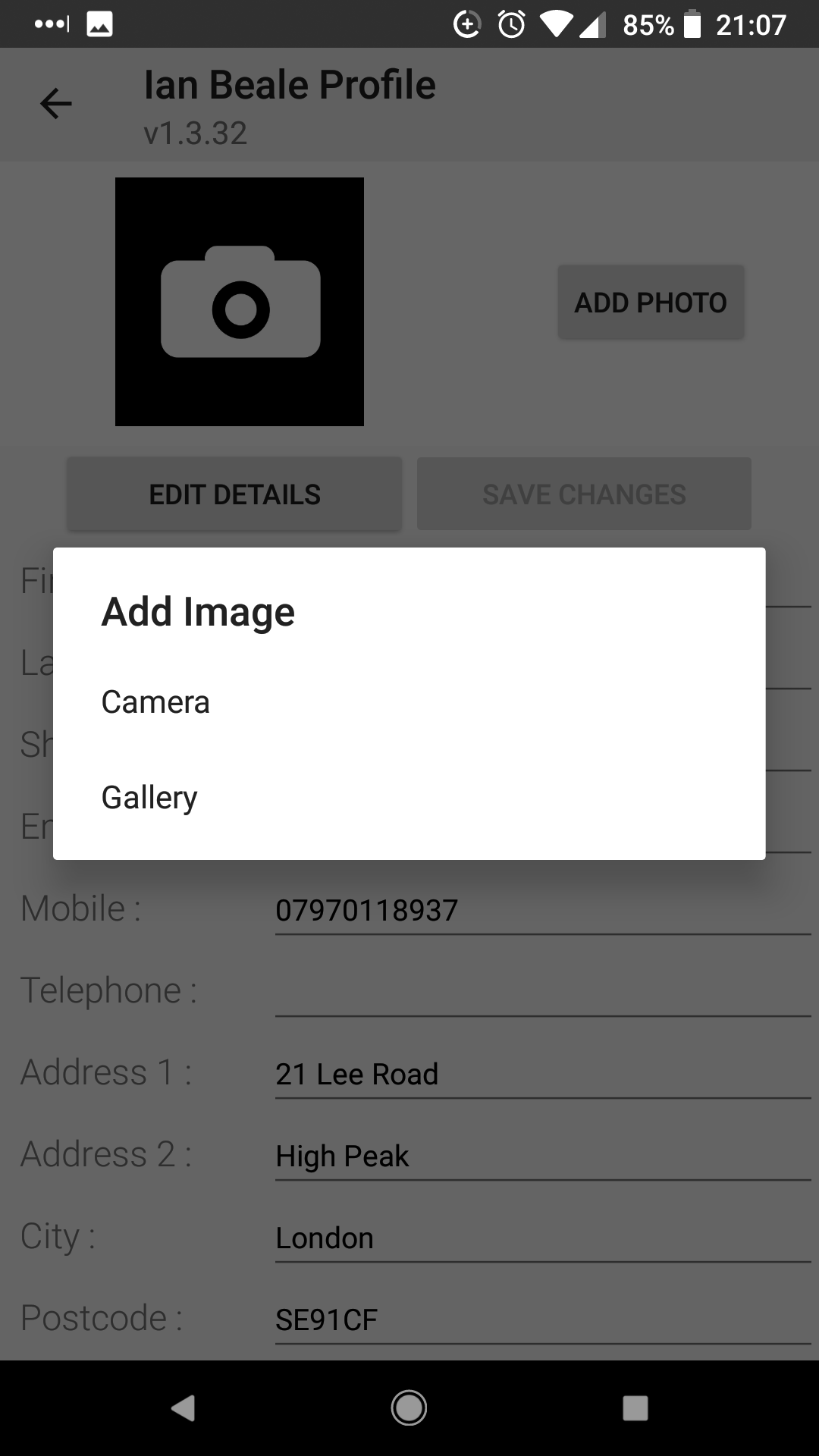 Add Photo |
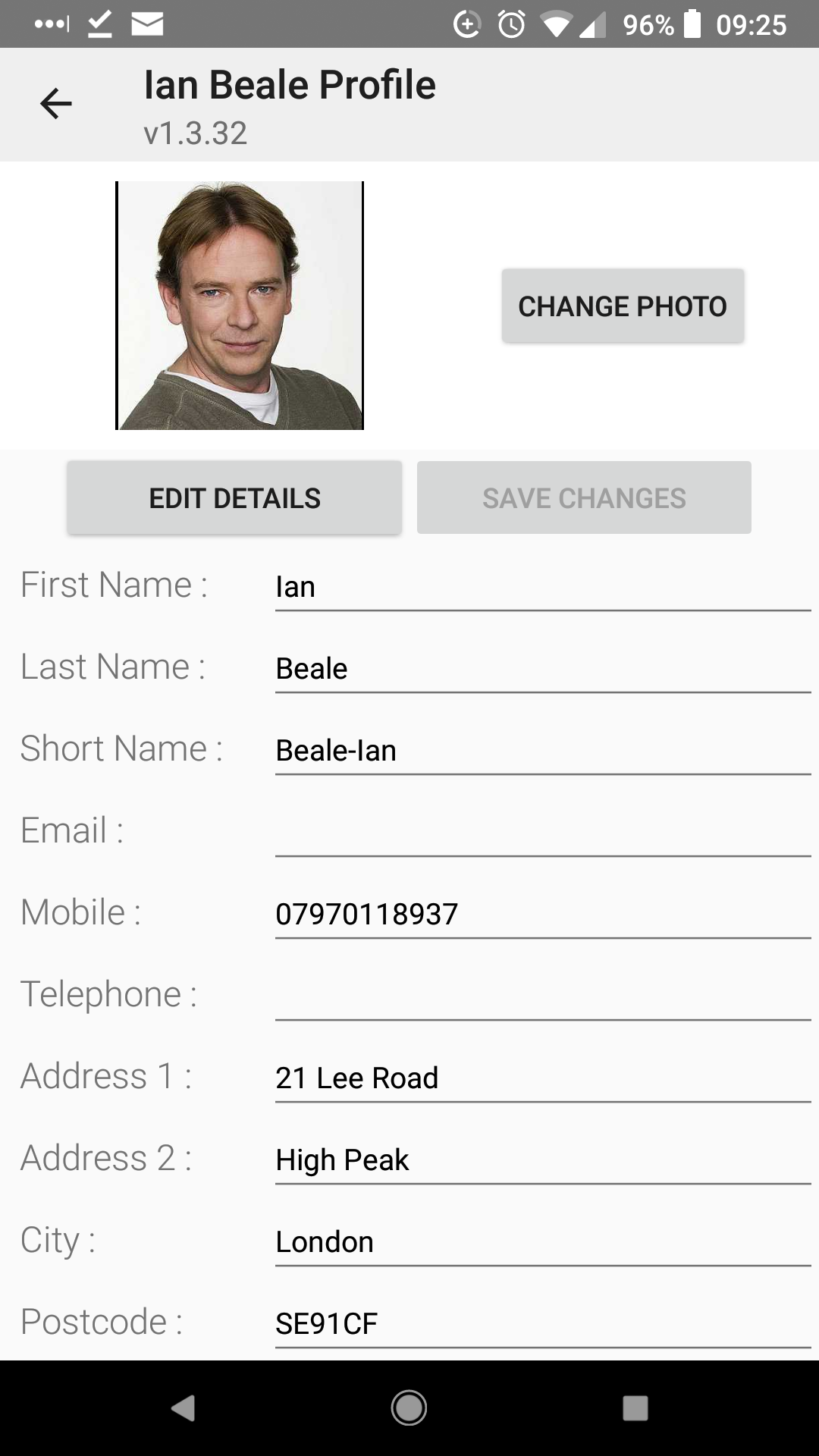 Add Photo |
 Employee ID Photo |
Additional employee information can be viewed and amended. (Restrictions apply to Supervisor access levels)
To access the additional screens clicking the "more" button will open the first screen, the employee Service tab.
Clicking the three line burger menu will open additional selection options, including:
Service |
Detailing employment history and any restrictions on working hours. |
HR |
Detailing NI number, DOB, Next of Kin and other personal details. |
Sickness |
The current years sickness record. |
Location |
The records of sites worked, trained and banned. |
Documents |
A list of documents attached to an employee record. |
The current years holiday record |
|
Records of all qualifications held |
|
The employees duty schedule |
|
All equipment and uniform issued to the employee |
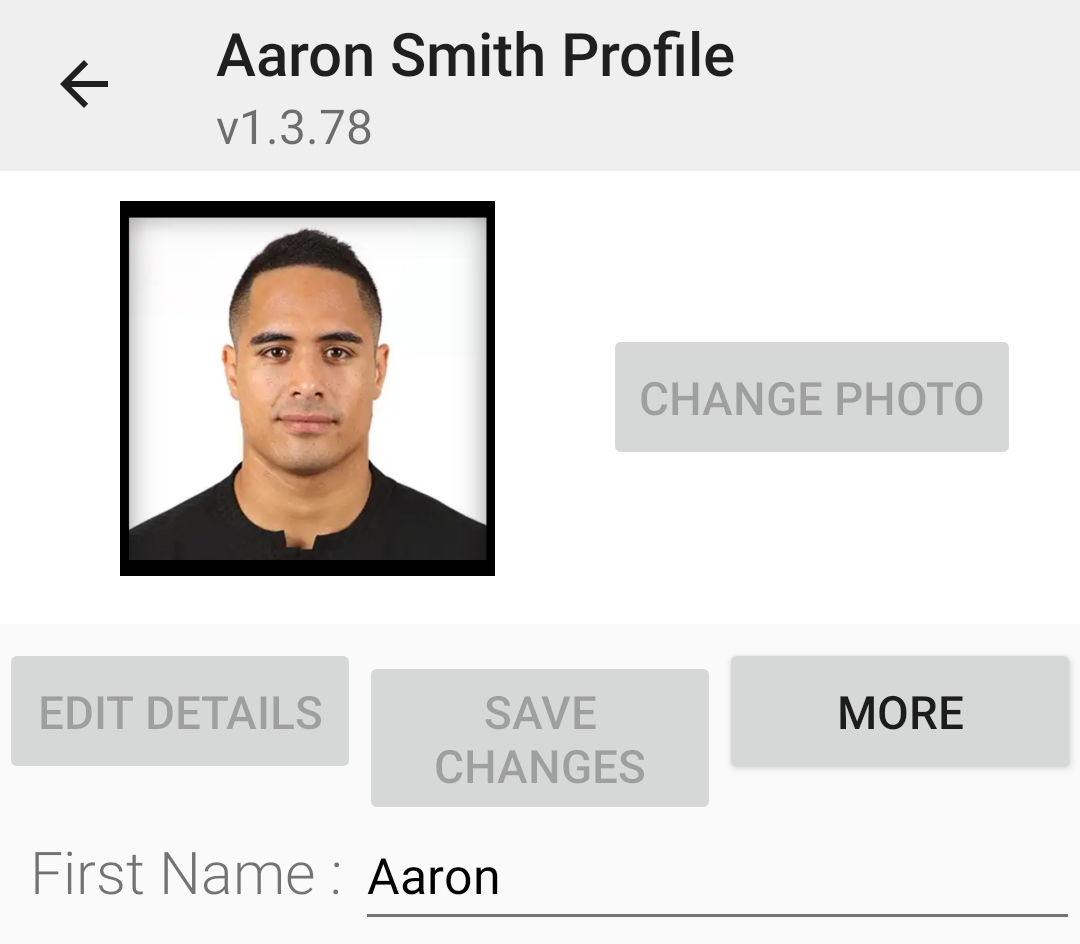 More details button 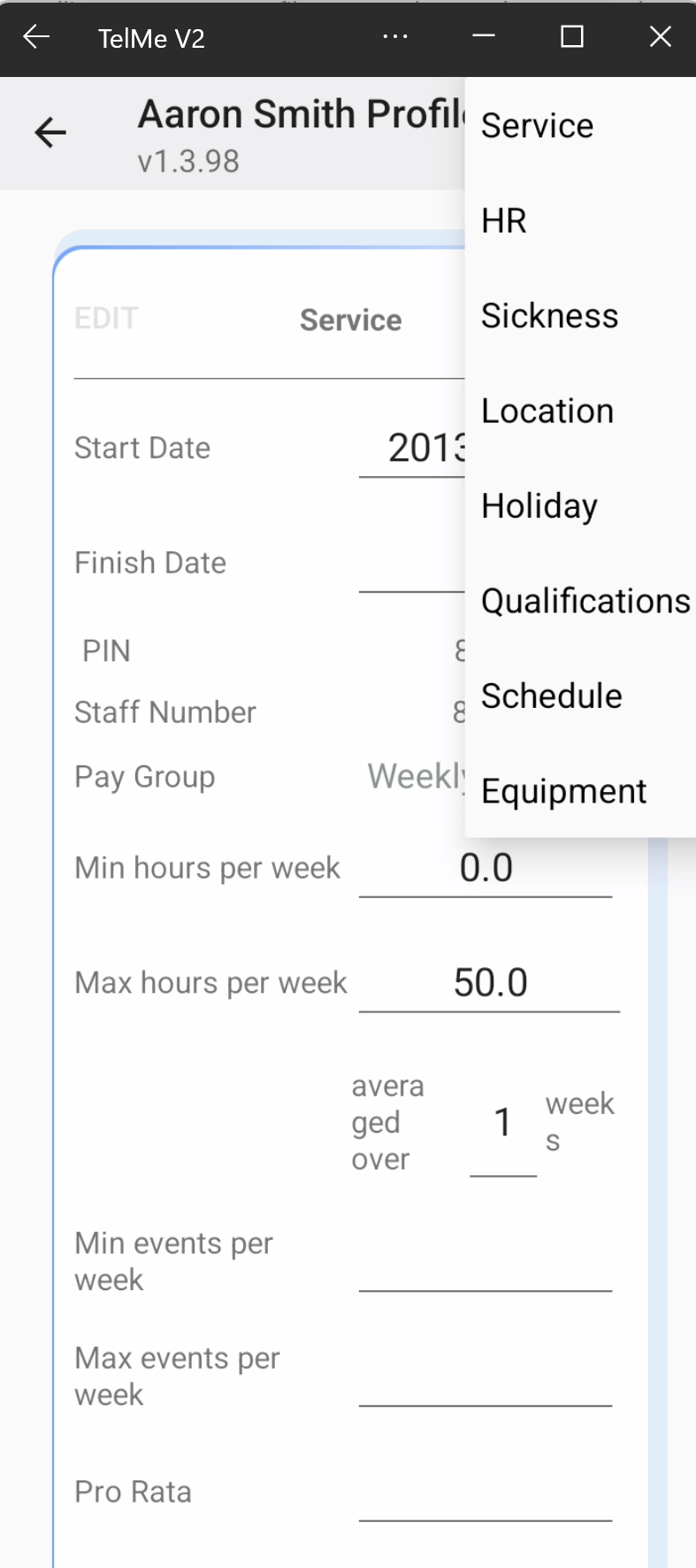 More menu options |
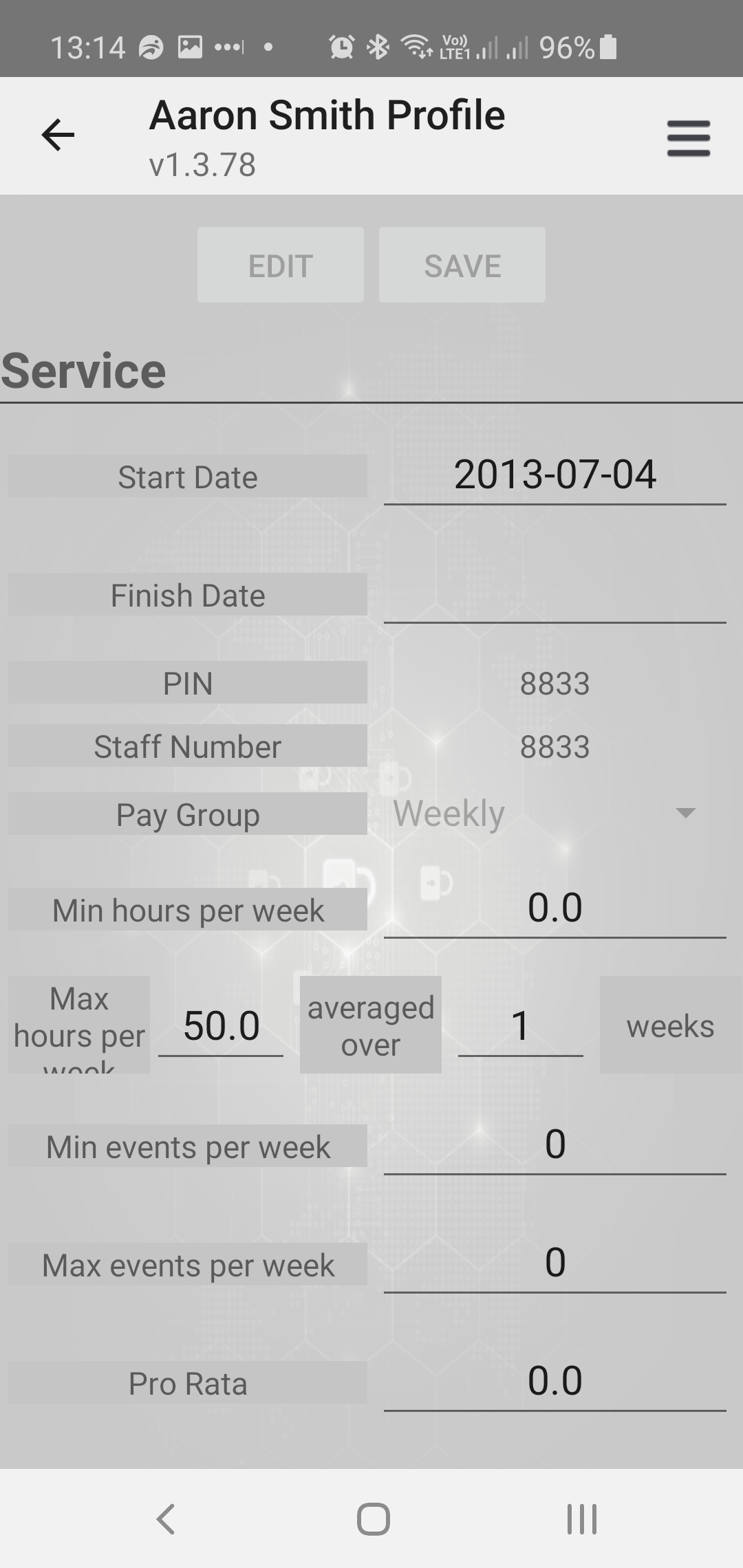 More details screen |