|
<< Click to Display Table of Contents >> Notifications |
  
|
|
<< Click to Display Table of Contents >> Notifications |
|
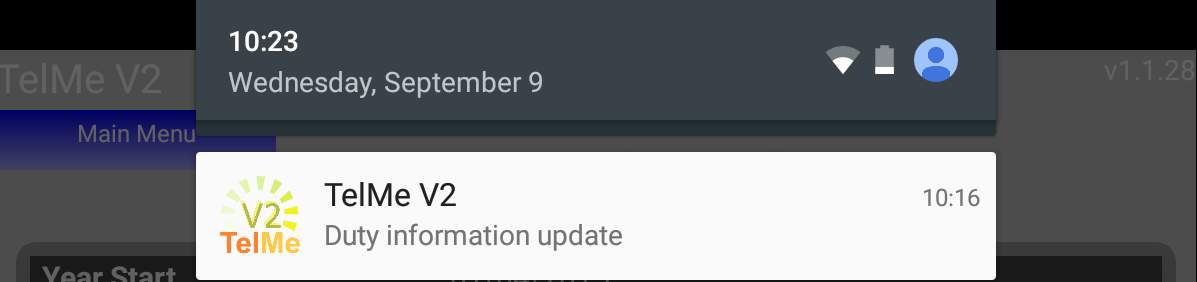
The TelMe app can provide notifications if any of your scheduled duties are added, amended or deleted, if your employer has enabled this service.
Pressing the notification within your smart phone will launch the TelMe application and present the Duty Screen.
 Duty schedule view |
If you do not wish to receive notifications you can use your devices own settings to disable them.
Alternatively you can tick the Stop Notifications option on the apps Settings screen.