|
<< Click to Display Table of Contents >> Changing Times for an Event with Jobs |
  
|
|
<< Click to Display Table of Contents >> Changing Times for an Event with Jobs |
|
Select the required event/s.
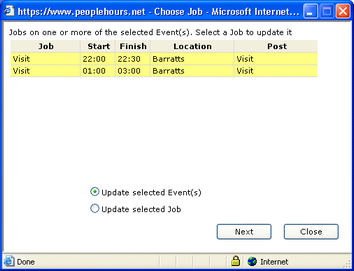
Click the ‘Times’ button. The Change Times window will be displayed.
Ensure that the ‘Update selected Event(s)’ button is selected.
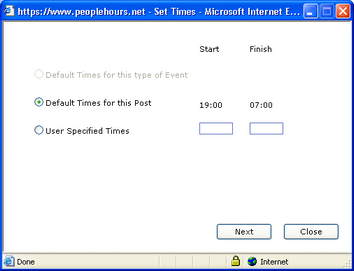
Click on the ‘Next’ button.
The Set Times window will be displayed.
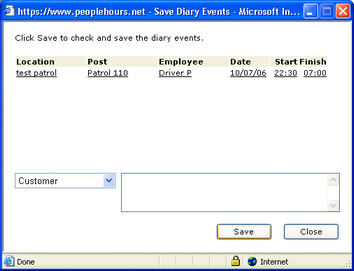
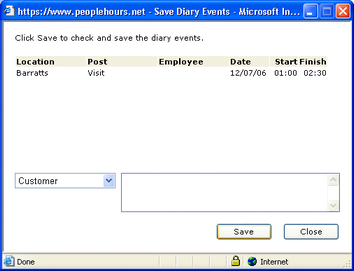
Change the times as required and click on the ‘Next’ button.
The Save Diary Events window will be displayed.
Click on the ‘Save’ button and your changes will be saved.