|
<< Click to Display Table of Contents >> Available Duties |
  
|
|
<< Click to Display Table of Contents >> Available Duties |
|
Duties that have broadcast as available to be worked can be accessed in TelMe android through the “Available Duties”.
Alternatively if you are on the homescreen on your phone you will receive a notification if a duty has been broadcast and you were selected as one of the possible candidates to work the duty.
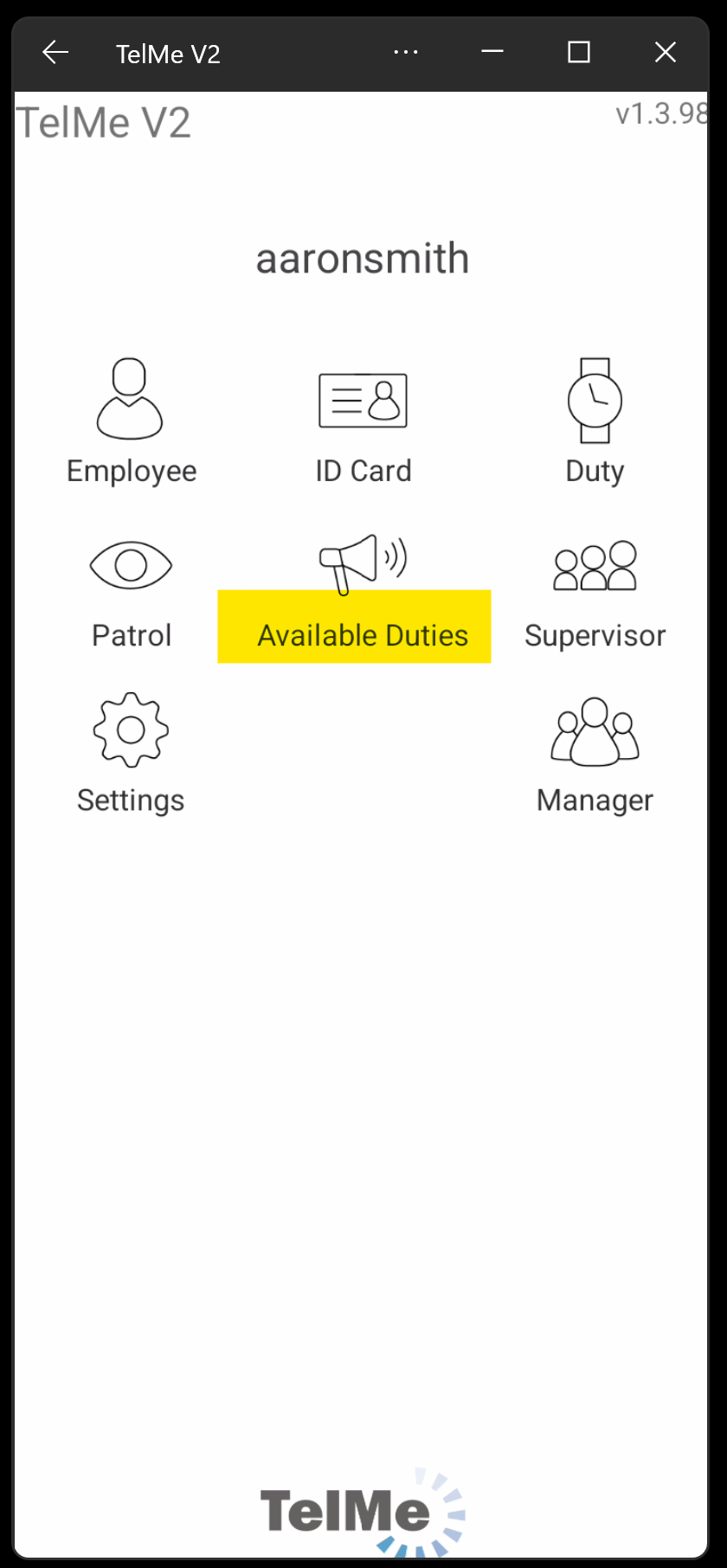 Main Menu |
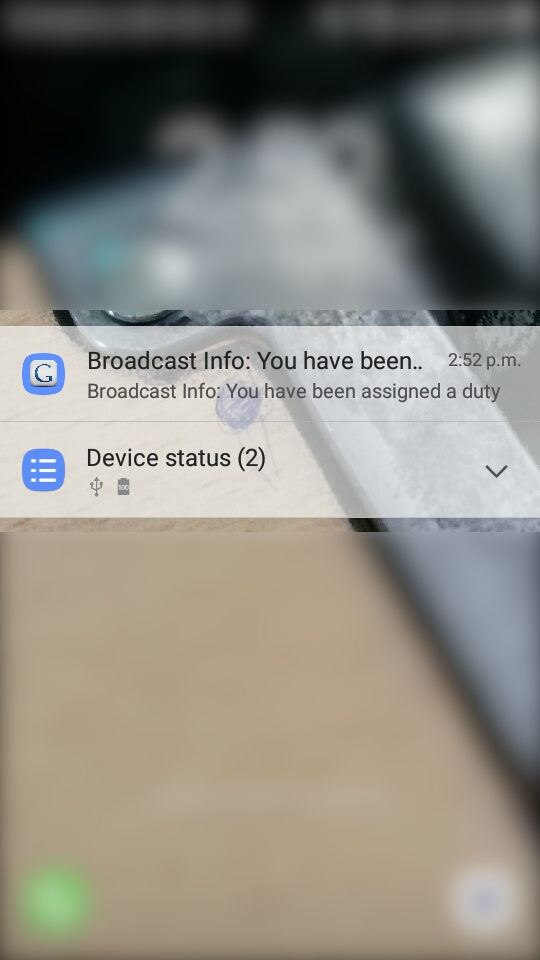 Duty Notification |
Upon clicking the “Available Duties” button or the notification (If you are not in the app), you will be taken to the available duty details screen.
The screen has 3 buttons
• Not Answered
• Accepted
• Rejected
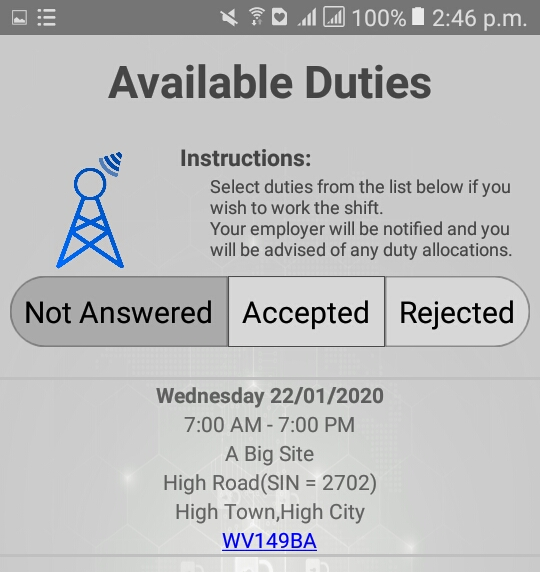 Available Duties |
Not Answered:
Shows you all the broadcast duties which you haven't responded to.
Accepted:
Shows you all the broadcast duties which you responded “Yes” to.
Rejected:
Shows you all the broadcast duties which you responded “No” to.
Upon clicking the duty that you want to respond to a pop up will appear
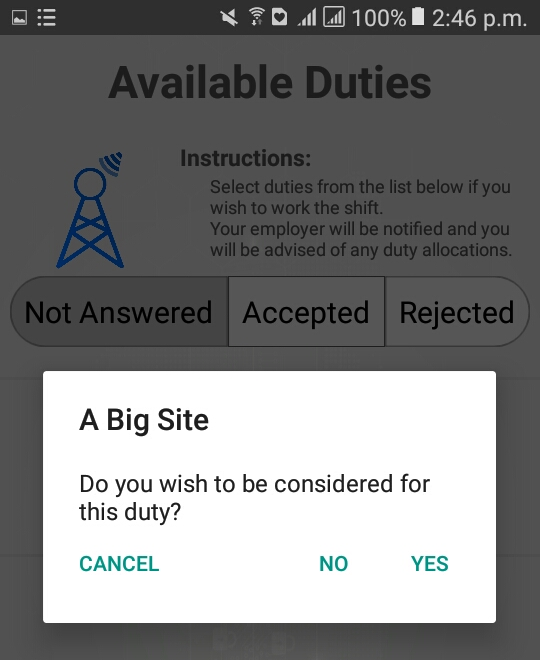 Available Duties Pop Up |
Here you can respond to the duty as “Yes” meaning you would like to be considered for this duty or “No” meaning you do not wish to be considered for this duty.
“Cancel” will cancel your action.
If you clicked “Yes” the duty will removed from “Not Answered” tab
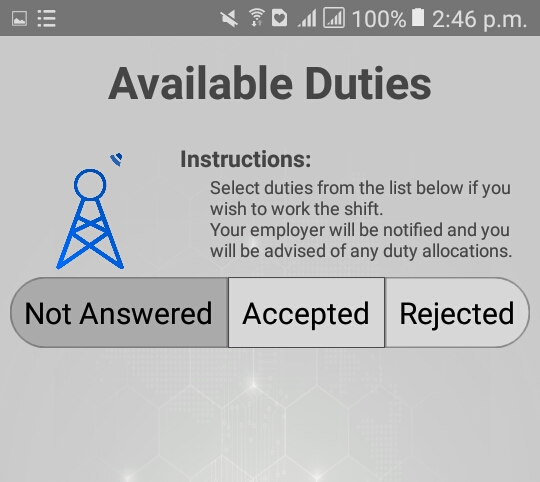 Available Duties Not Answered |
If you click on the “Accepted” tab the duty that you replied “Yes” to will appear in the list as shown below
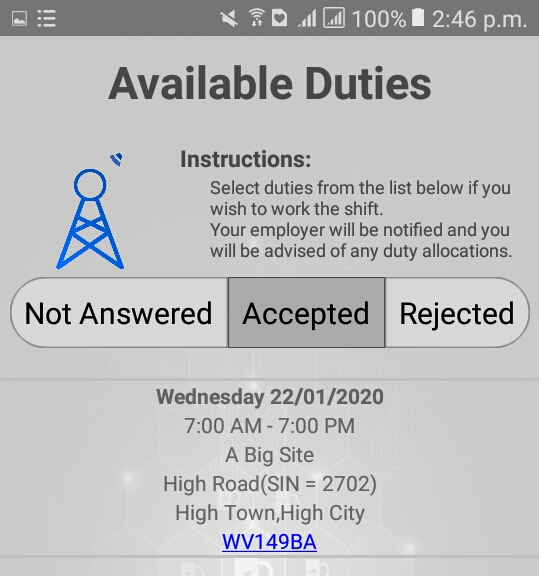 Available Duties Accepted |
Similarly If you clicked “No” the duty will removed from “Not Answered” tab and moved to the “Rejected” tab.
You can change your selection at a later date by selecting the duty again and making a different choice.
After you have made your decision your employer will be able to assign an employee to a duty from those that have responded yes.
A notification will be sent to the employee assigned to the duty.
Notification Confirmation Of Duty Allocation |