|
<< Click to Display Table of Contents >> ID Card |
  
|
|
<< Click to Display Table of Contents >> ID Card |
|
From the main menu the ID card button is used to display a live ID card within the app.
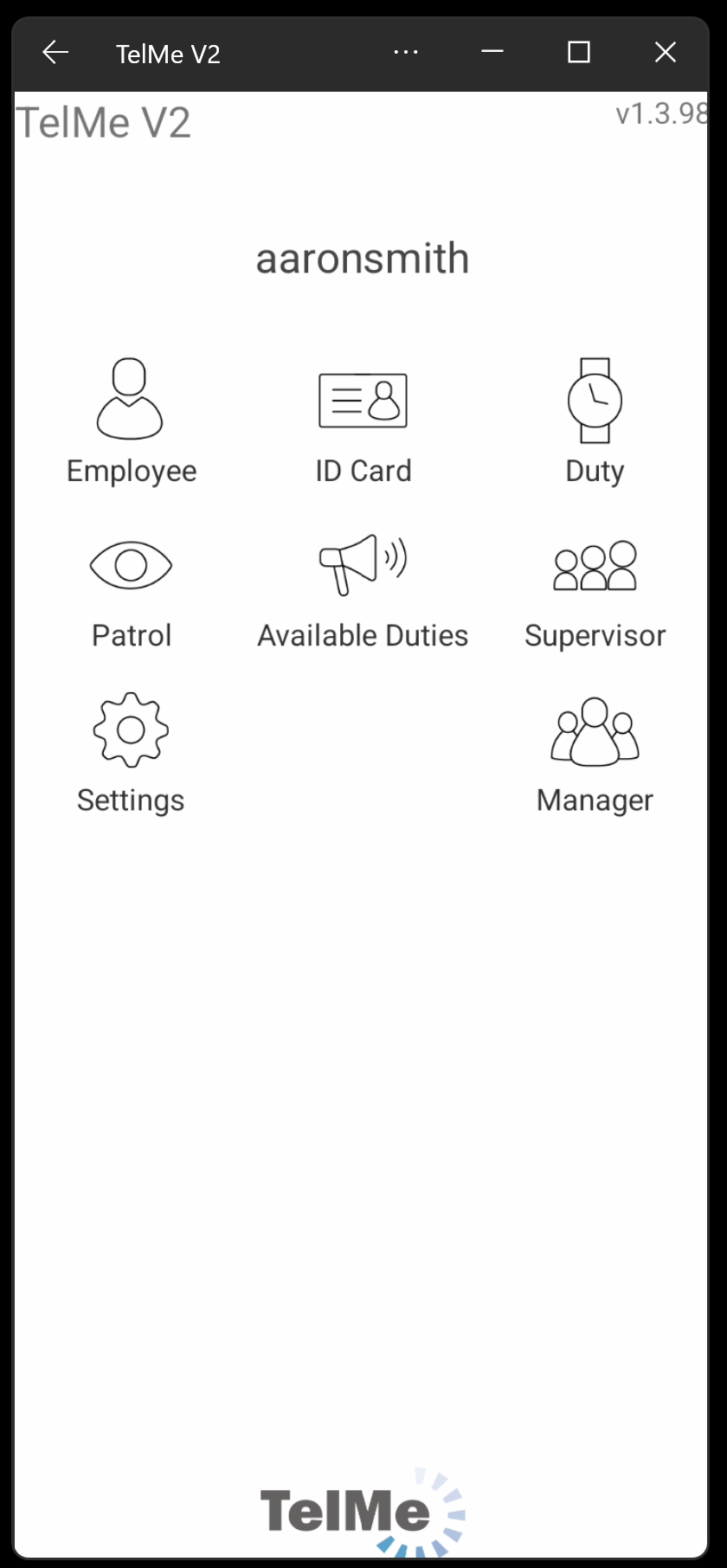 Main Options Menu |
Clicking the button will display the ID card and present the following details:
Company Logo |
Click to enlarge |
Company name and tel |
|
Current Date & Time |
The date and time are live to prevent a screen shot being used |
Employee ID Photo |
Click to enlarge |
Employee PIN Number |
|
Duty Status |
The employees duty status, on or off duty, is displayed. |
Current Assignment |
If on duty the assignment name and address is detailed. |
 ID Card On Duty |
 ID Card Off Duty |