|
<< Click to Display Table of Contents >> Duress Alarm |
  
|
|
<< Click to Display Table of Contents >> Duress Alarm |
|
From the Duty screen pressing and holding the timer for 3 seconds will activate the duress alarm.
This will then countdown for 15 seconds during which time the alarm can be cancelled.
If the alarm countdown is allowed to reach zero then notifications will be sent as created by your employer.
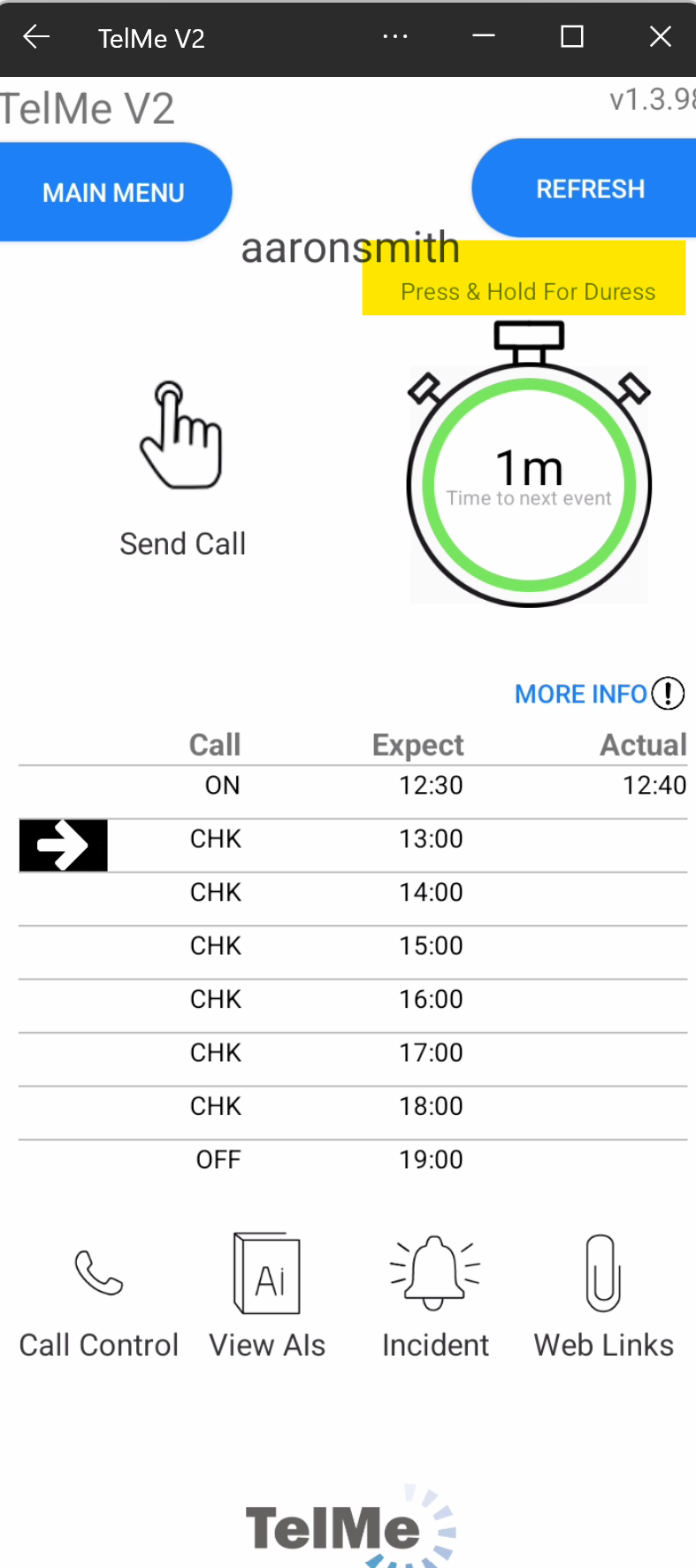 Duress Button |
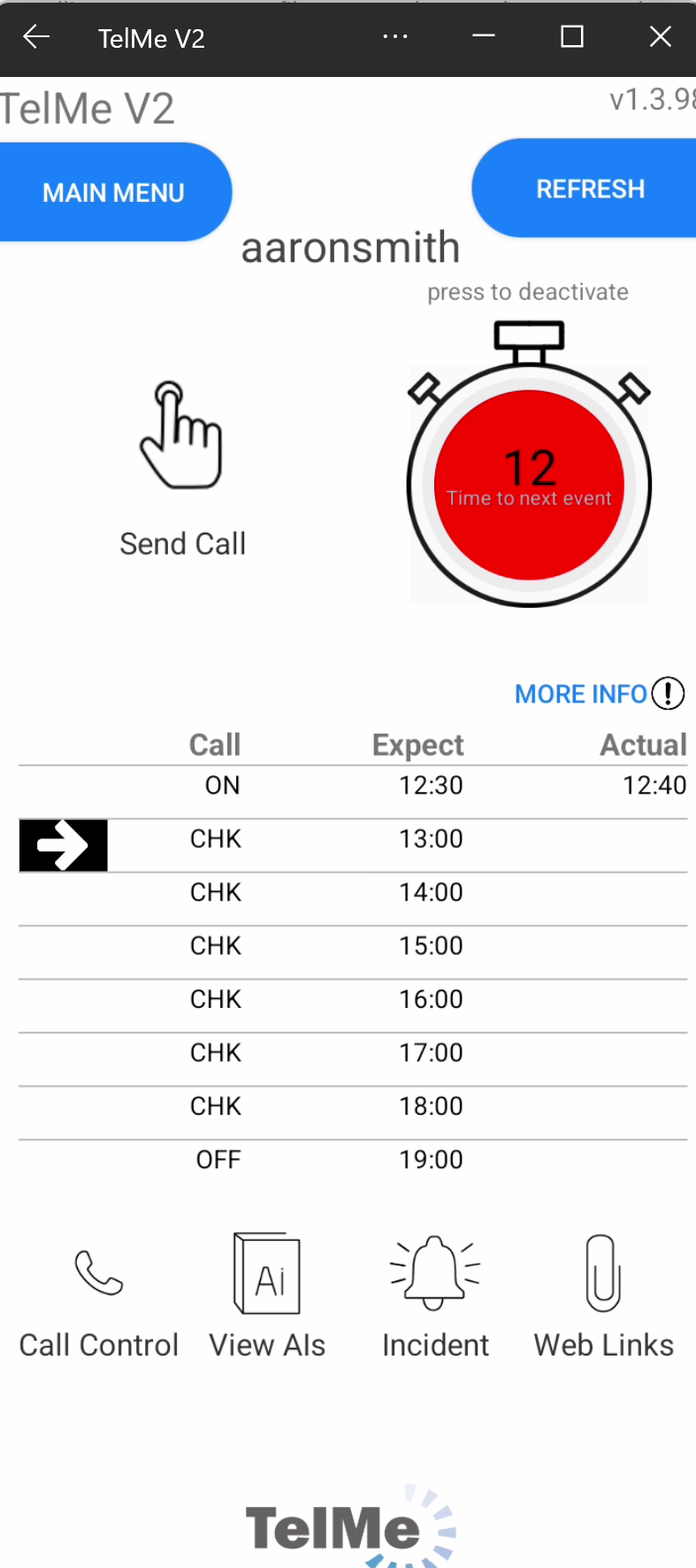 Duress Alarm Activated |