|
<< Click to Display Table of Contents >> Employee Create Duty |
  
|
|
<< Click to Display Table of Contents >> Employee Create Duty |
|
If your employer has enabled this feature the 'Create Duty' option will be visible on the Duty screen.
Pressing this option will allow you to either:
•Select from a list of Locations and Posts on which you can record a duty.
•Enter a SIN number for the site you are creating a duty for.
Selecting one will record the start of a duty at that location and any check calls scheduled will be scheduled also.
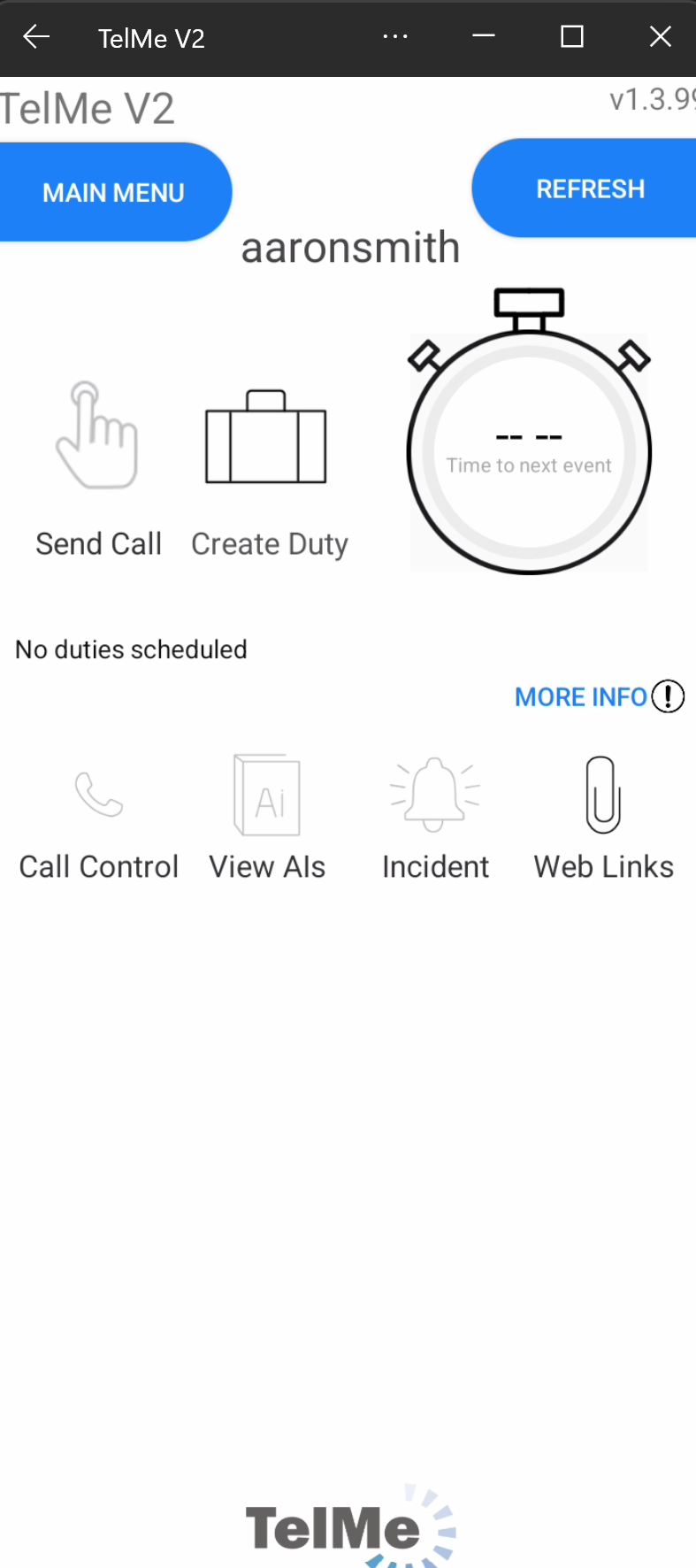 Create Duty |
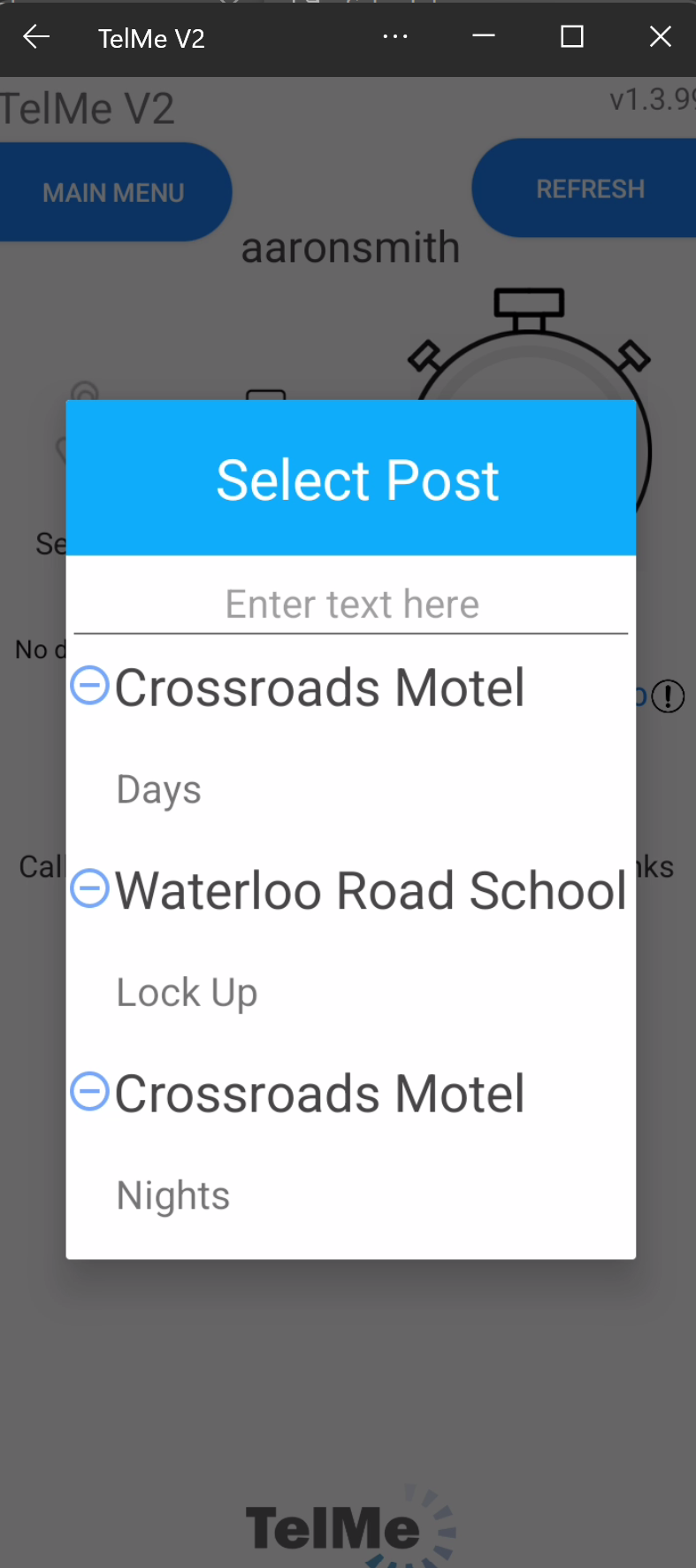 Location & Post List |
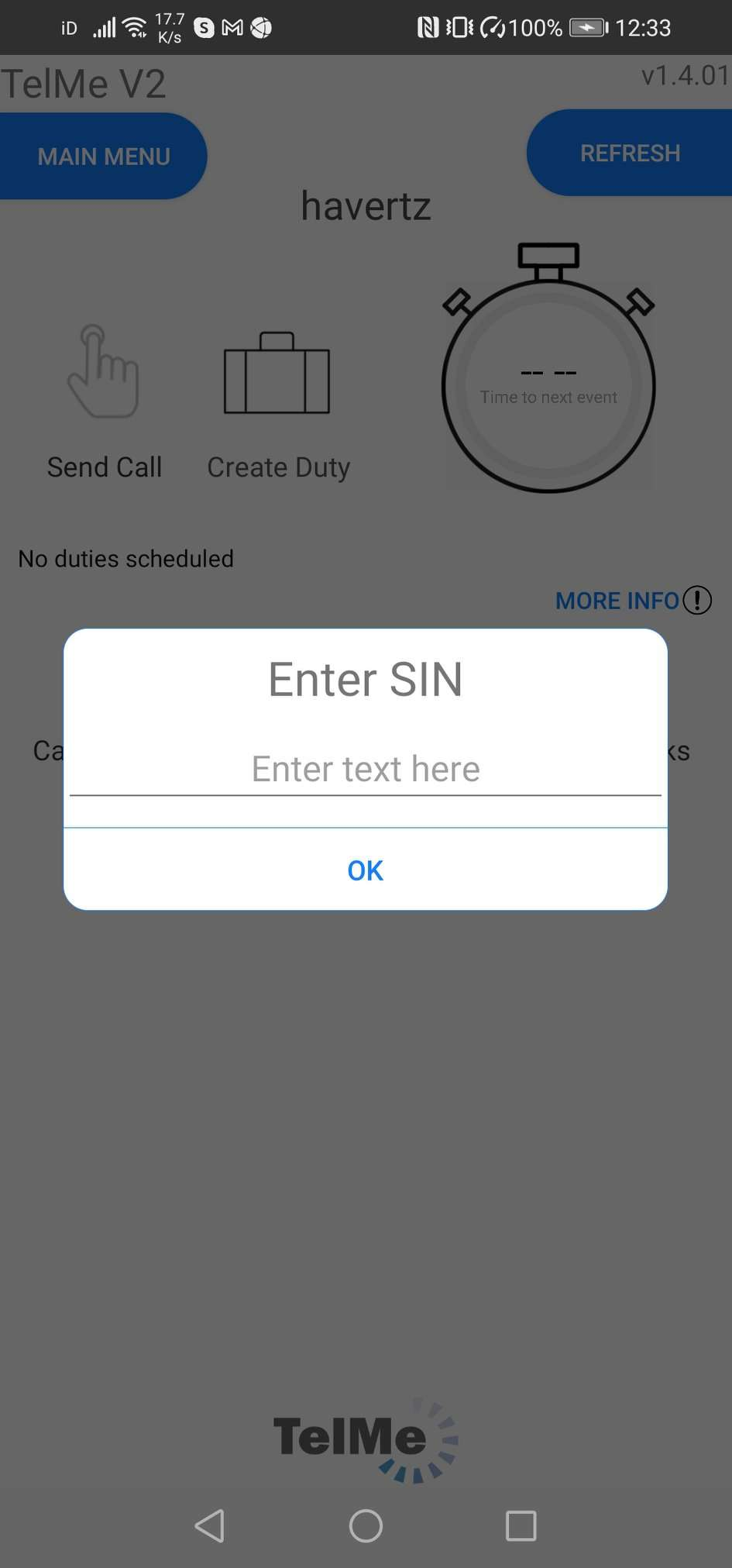 SIN selection |
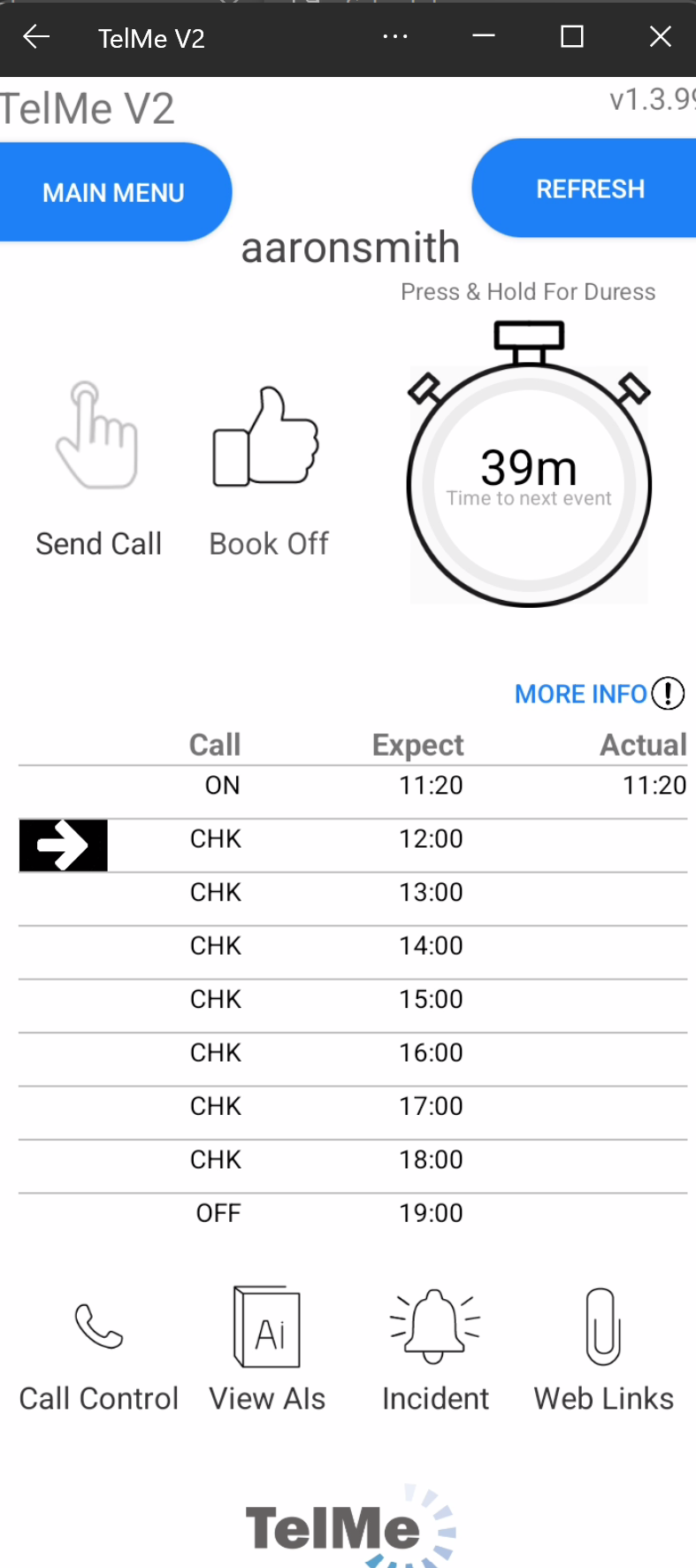 Book Off |
A created duty may have a finish time set by your employer but you can finish the duty early by pressing the 'Book Off' icon.