|
<< Click to Display Table of Contents >> TelMe Employee Logon |
  
|
|
<< Click to Display Table of Contents >> TelMe Employee Logon |
|
At the initial log on page, you are prompted to enter your company name, user name and PIN number.
Your user name will be your name as recorded on your employers PeopleHours™ database, usually in the following format: - firstname lastname. (User names are not case sensitive.)
If your log on is rejected, contact your manager to confirm that your username as recorded on PeopleHours is correct.
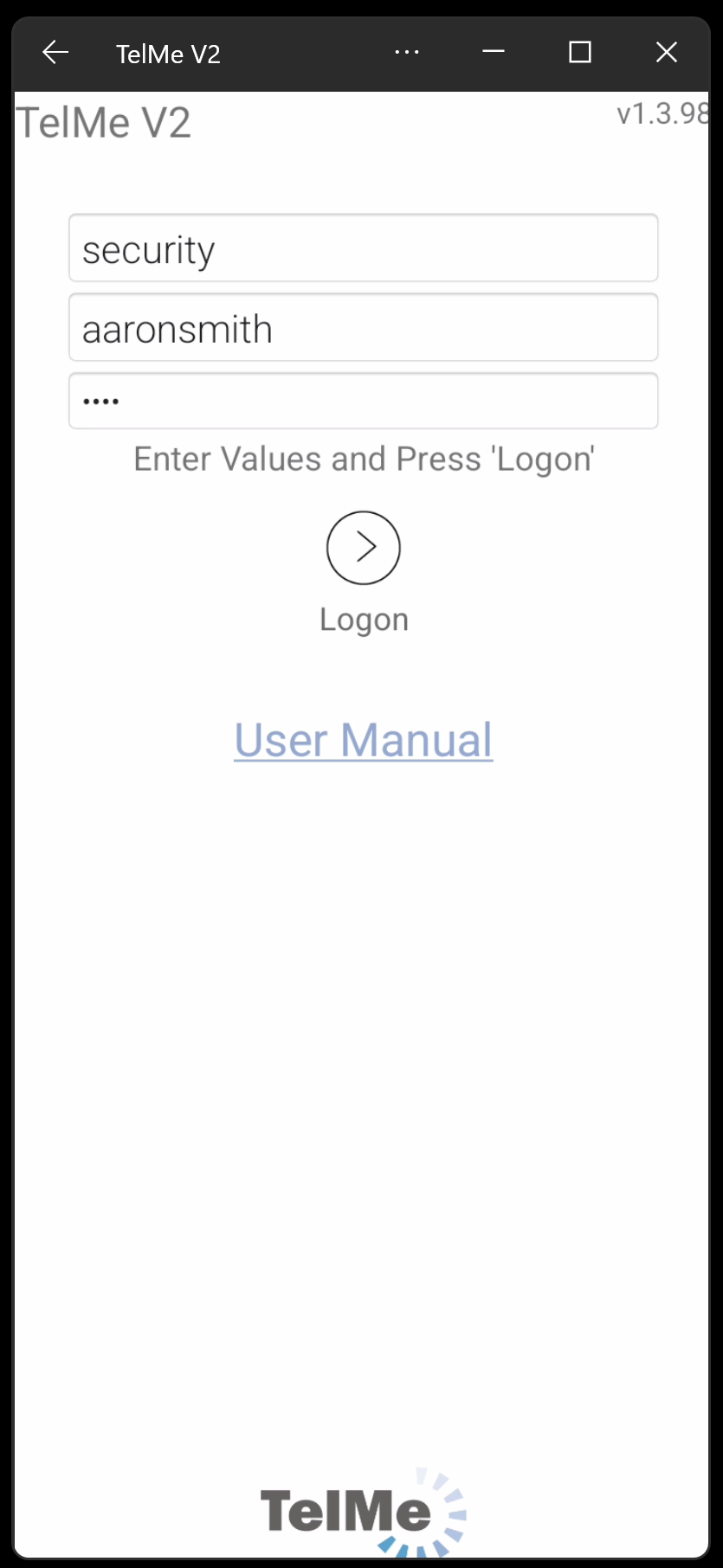 Log on page |
Your PIN number is the same number you use to book on and off duty.
You should not share this number with other employees or they will be able to view your schedule information, as well as any messages you may have pending or saved.
Your employer may have also optionally specified that a complex unique password is also used, you will be requested to provide this if the option has been enabled.
Where there are more than 5 consecutive unsuccessful attempts to logon to TelMe from the same IP Address, further attempts to logon from the same IP address are blocked for 5 minutes.
After 5 minutes the user can try again.
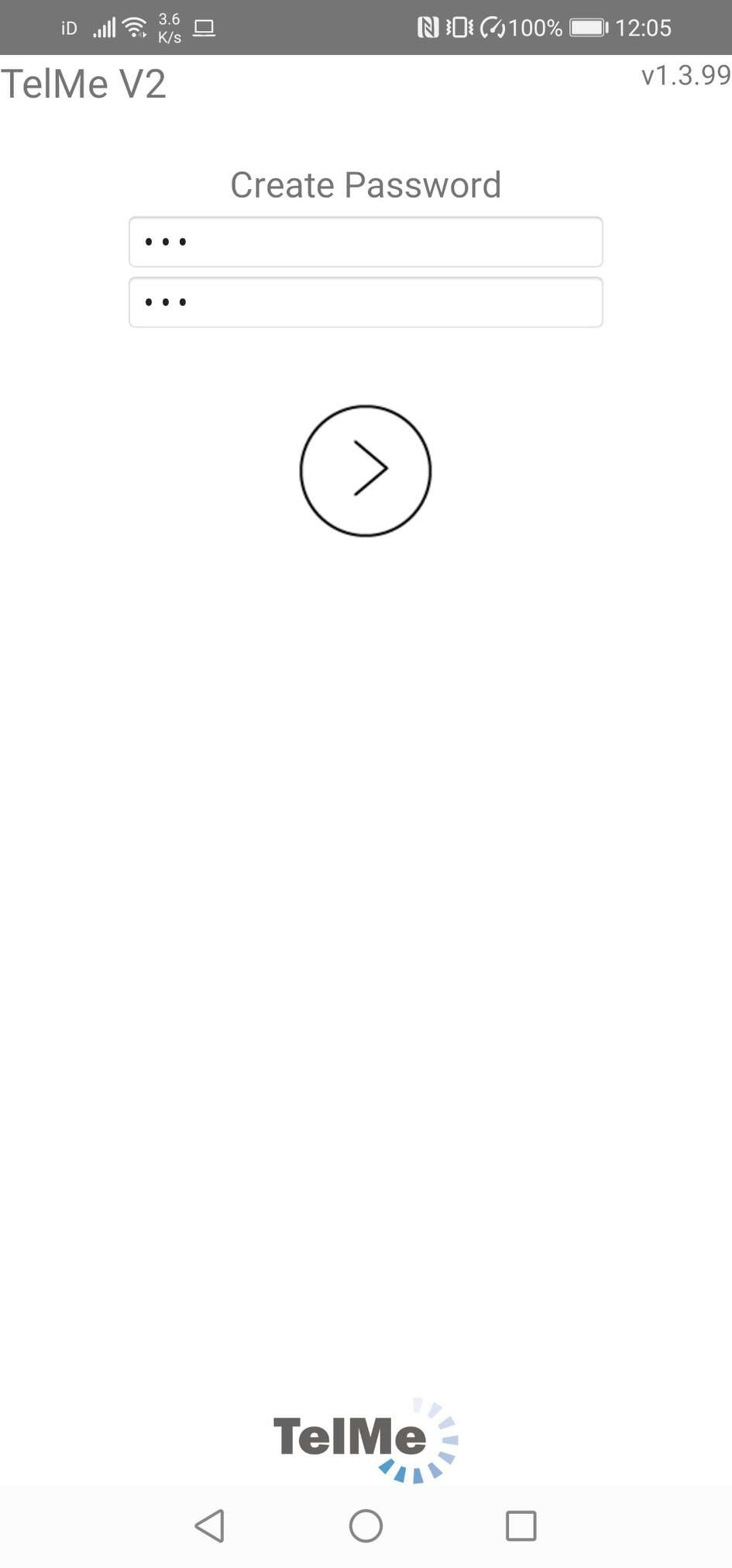 Main Options Menu |
As the app is designed to be always on there is no log off option but your own devices functionality can be used to force any application to close.
Once successfully logged on you will be shown either the full Main Options or the TelMe Lite options.
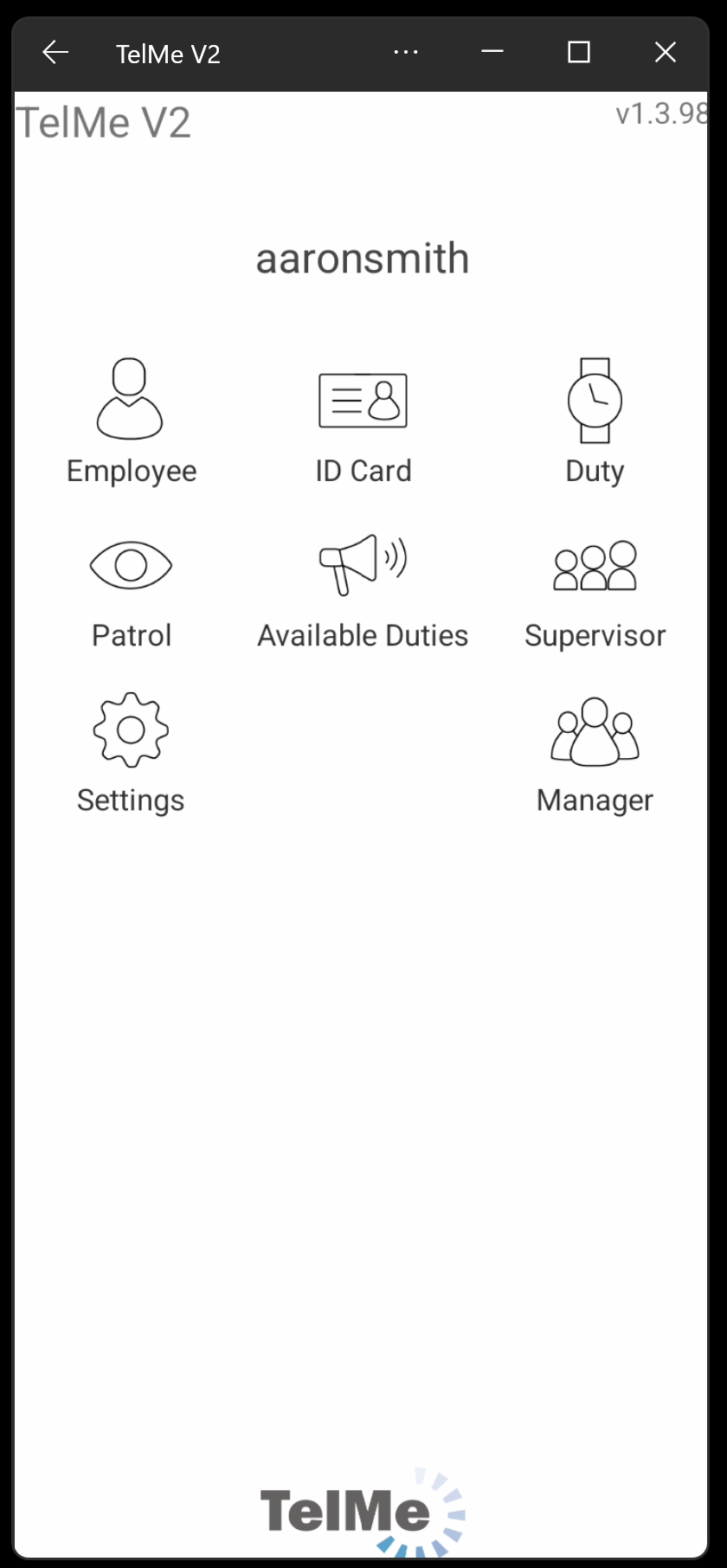 Main Options Menu. |